
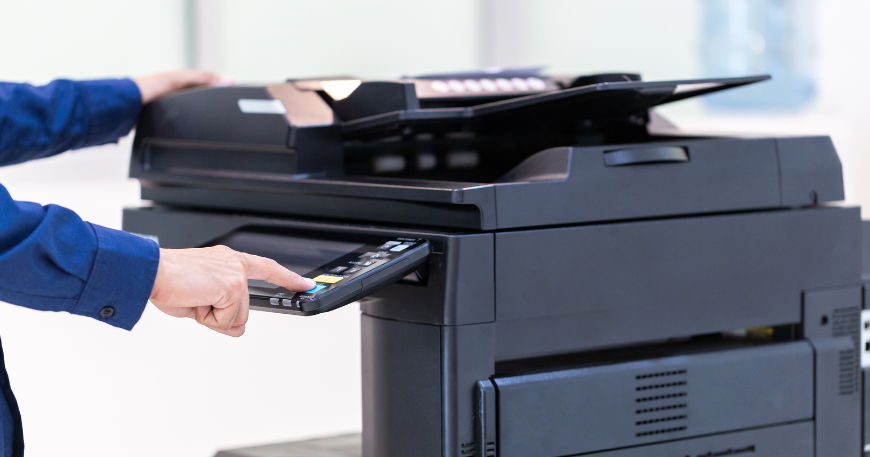
In 2026, the office printer is more than just a piece of hardware; it’s a vital hub for document security, cloud collaboration, and cost management. As businesses in the GTA and beyond shift toward hybrid models, selecting a printer that balances cutting-edge technology with long-term value is essential.
Here is a guide to navigating the modern printer landscape, designed to help you find the perfect fit for your team.
1. Define Your Purpose: Precision Graphics vs. High-Speed Text
The first step is identifying your primary “output type.” In 2026, the gap between inkjet and laser technology has narrowed, but their core strengths remain:
- The “Visual” Business: If you are a marketing agency or design firm, you need high-resolution colour accuracy. Modern ink-tank systems or high-end colour lasers are ideal for brochures and client-facing presentations.
- The “Operational” Business: For law firms or accounting offices printing thousands of invoices and reports, a monochrome laser printer remains the champion of speed and text clarity.
2. Calculate Your Volume: Avoiding the “Bottleneck.”
Choosing a printer that isn’t rated for your volume is like driving a commuter car in a desert race—it will eventually break down.
- Light Volume (1–5 Users): Compact models with speeds of 20–30 Pages Per Minute (PPM) are perfect for daily internal tasks.
- High Volume (Enterprise): Medium-to-large departments should look for commercial-grade units with 50+ PPM and large paper trays to minimize the “wait time” at the machine.
3. The “Total Cost of Ownership” (TCO) Strategy
The sticker price of a printer is often the smallest part of the investment. To protect your bottom line, factor in:
- Consumable Yield: Check the cost per page for toner or ink. Proprietary cartridges can be expensive; look for printers that support high-yield or XL cartridges.
- Maintenance Plans: Modern providers like OfficeTech offer regular maintenance plans that prevent costly downtime.
- Rental and Leasing Options: In 2026, many businesses opt for $1/year rental programs or flexible leases. This allows you to upgrade to the latest tech every few years without a massive upfront capital expenditure.
4. Prioritize Connectivity and Cloud Workflow
A printer that only works when plugged into a wall is a liability in a mobile world. Your 2026 printer should feature:
- Mobile Printing: Seamless integration with Apple AirPrint, Mopria, and dedicated brand apps so staff can print from smartphones or tablets.
- Cloud Scanning: The ability to scan directly to Microsoft 365, Google Drive, or Dropbox is essential for hybrid teams that need to digitize physical documents in seconds.
5. Security and After-Sales Reliability
Printers are often the most overlooked entry point for cyberattacks. Ensure your choice includes:
- Built-in Security: Look for features like HP Wolf Security or user authentication (where a user must swipe a badge or enter a code to release a print job).
- Professional Support: Unexpected technical glitches can halt an entire office. Partnering with a local provider ensures you receive a 24-hour response time and expert technicians for on-site repairs.
Final Thoughts: Your Growth Partner
Investing in an office printer is about more than just ink on paper—it’s about streamlining your team’s workflow. By matching the device to your specific volume and connectivity needs, you turn a simple tool into a productivity driver.
Ready to find your match? Consulting with experts like the team at OfficeTech can take the guesswork out of your search. Whether you need a refurbished workhorse or a brand-new multifunction suite, they provide the guidance and support to keep your office running smoothly.
- Website: officetech.ca
- Location: Mississauga, ON (Serving Toronto, Markham, and Brampton)
- Contact: 905-366-8999
